
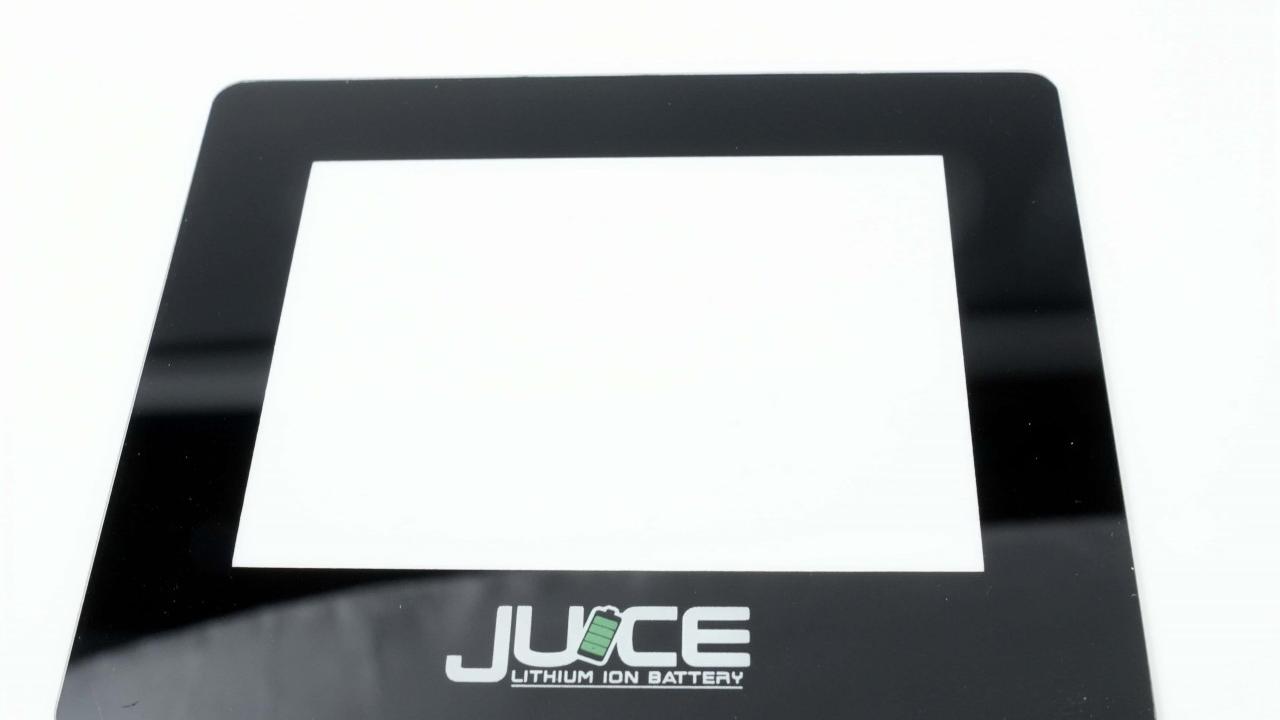
What causes web marks?
What causes web marks? How to deal with them?
In screen printing on glass, ink films sometimes show web marks or mesh patterns. The primary cause of these marks is poor ink flow. During the printing process, when the screen is lifted, the ink transferred onto the glass should ideally flow to fill in the mesh patterns, resulting in a smooth and even surface. However, if the ink has poor flow properties, it does not spread adequately, and the mesh marks remain visible, leading to an uneven ink film surface.
To prevent web marks from appearing on printed glass, the following methods can be employed:
Use Inks with Good Leveling Properties: Selecting an ink with high flow and levelling capabilities can help ensure the ink spreads evenly after being printed, filling in any mesh marks and creating a smooth surface.
Opt for Slower-Drying Inks: Using slower drying speed allows the ink to flow and level out before solidifying. This extended flow time helps the ink fill in mesh marks and cure naturally.
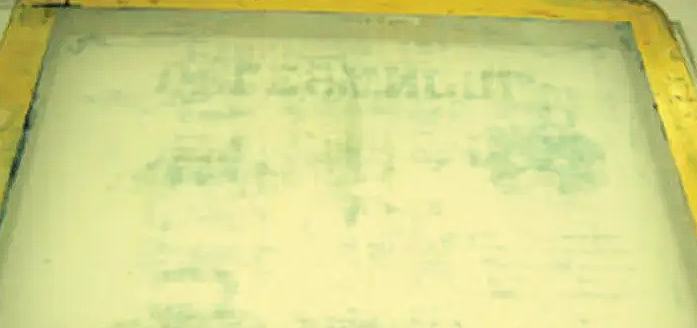
Applying these techniques reduces the risk of web marks, resulting in a high-quality, smooth ink film on the glass surface.
Contact Us
Discuss Your Custom Glass Project
Share your drawing, photos or dimensions, together with the intended use and target quantity. We will review your requirements and discuss the next steps.
Sales Enquiries
Email sales@bo-glass.com with your part description, intended use and target quantity.
Send Your Design
Use the form to upload a drawing or describe an existing part. Mark critical dimensions and tell us which surfaces or features matter most.
Request a Custom Glass Quote
Upload a drawing or share dimensions, quantity, intended use and finish. Include any heat, pressure or chemical exposure.
Your drawings remain confidential.
We use the contact details you provide to respond to your enquiry. See our Privacy Policy for more information.