
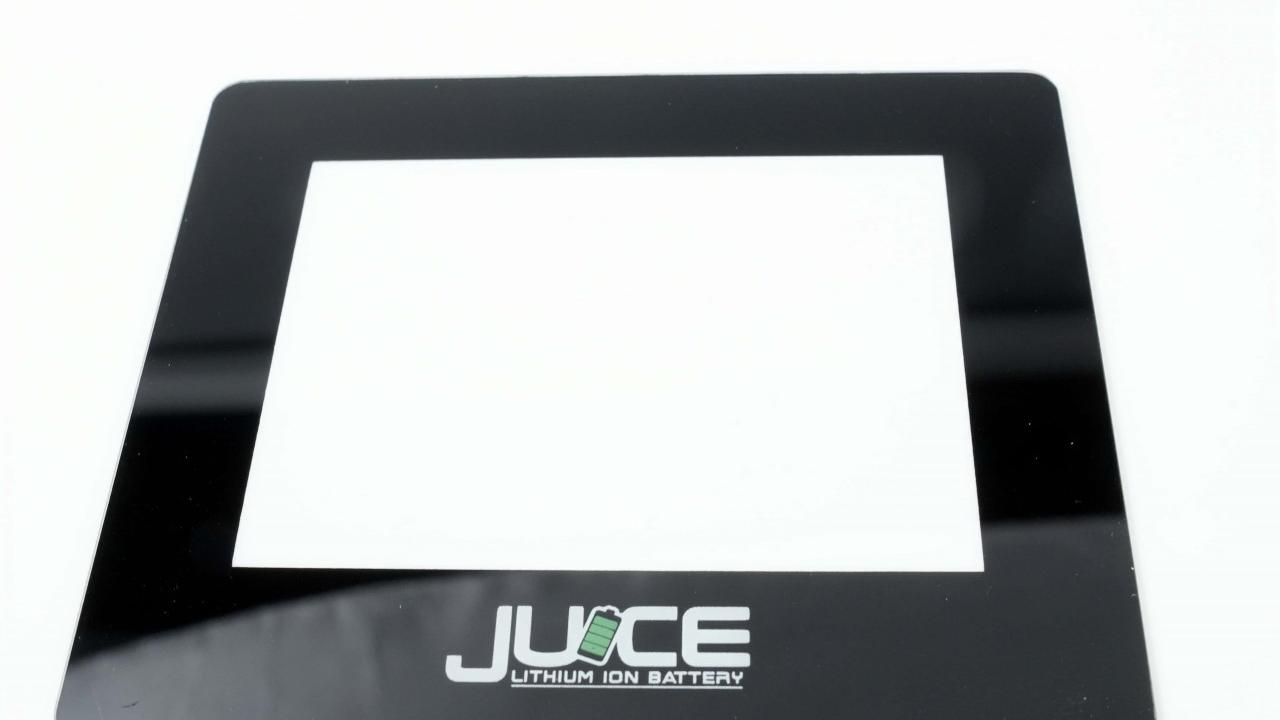
What causes web marks?
What causes web marks? How to deal with them?
In screen printing on glass, ink films sometimes show web marks or mesh patterns. The primary cause of these marks is poor ink flow. During the printing process, when the screen is lifted, the ink transferred onto the glass should ideally flow to fill in the mesh patterns, resulting in a smooth and even surface. However, if the ink has poor flow properties, it does not spread adequately, and the mesh marks remain visible, leading to an uneven ink film surface.
To prevent web marks from appearing on printed glass, the following methods can be employed:
Use Inks with Good Leveling Properties: Selecting an ink with high flow and levelling capabilities can help ensure the ink spreads evenly after being printed, filling in any mesh marks and creating a smooth surface.
Opt for Slower-Drying Inks: Using slower drying speed allows the ink to flow and level out before solidifying. This extended flow time helps the ink fill in mesh marks and cure naturally.
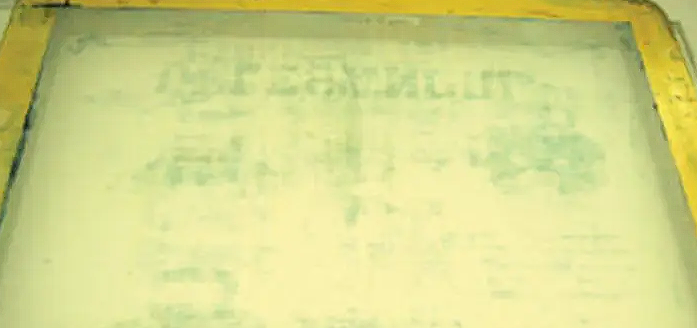
Applying these techniques reduces the risk of web marks, resulting in a high-quality, smooth ink film on the glass surface.
Contact Us
Your feedback fuels our growth, and your questions drive our solutions.
We value your feedback, inquiries, and suggestions. Please feel free to get in touch with us
General inquiries
Please contact us via sales@bo-glass.com, and we will reply to you as soon as possible.
Interested to work with us
Drop your resume at info@bo-glass.com
and we will get back to you shortly.
We uses the contact information you provide to us to contact you about our relevent content, products, and services.